 Avora
AvoraDaily Bible verses for iPhone
Let every unlock bring you back to God.
You pick up your phone dozens of times a day. Avora puts Scripture on your Lock Screen and Home Screen, so each glance becomes a quiet moment with the Word.
Free to download · No account · No ads
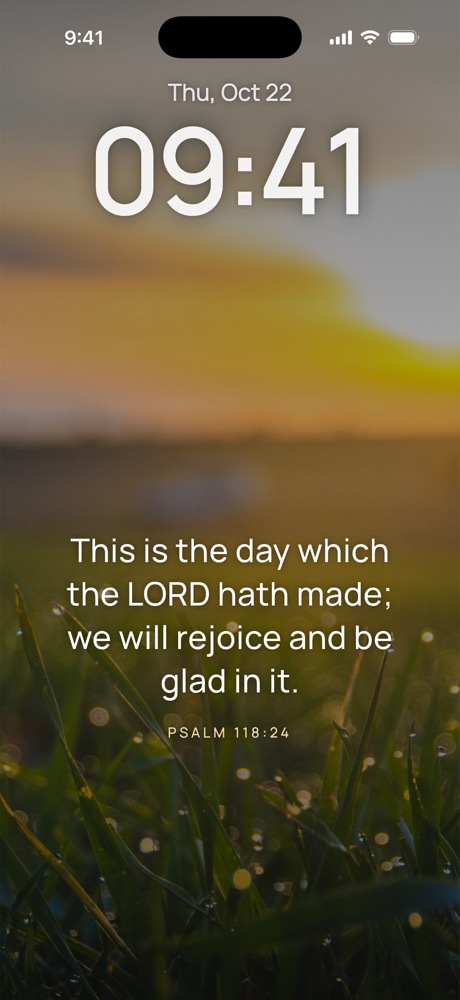

“Thy word is a lamp unto my feet, and a light unto my path.”PSALM 119:105
What's inside
A simple daily rhythm with Scripture
Thousands of verses, prayers and words from classic Christian writers, arranged by topic and brought to you through the day.
The verse of the day, where you already look
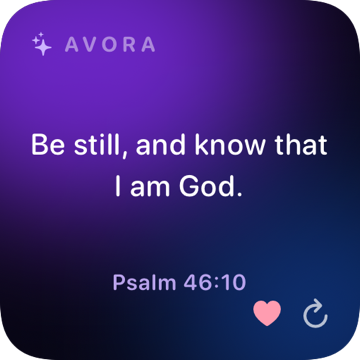
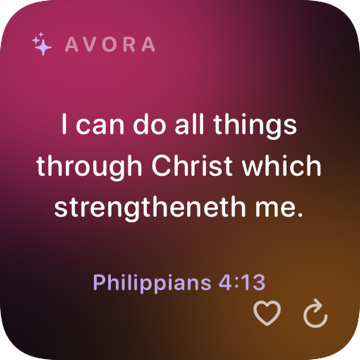
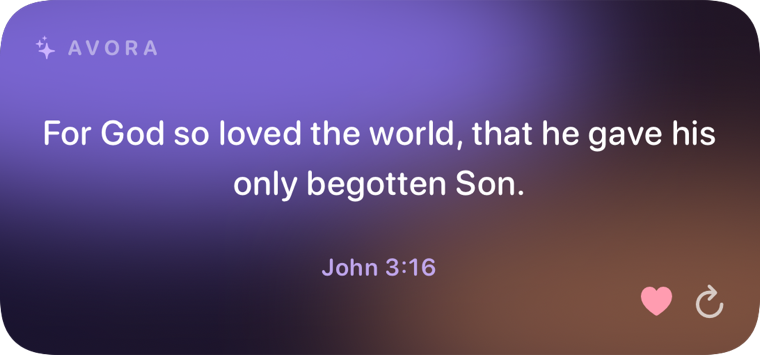
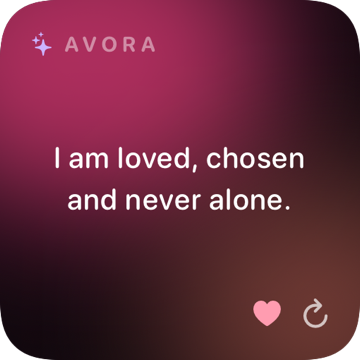
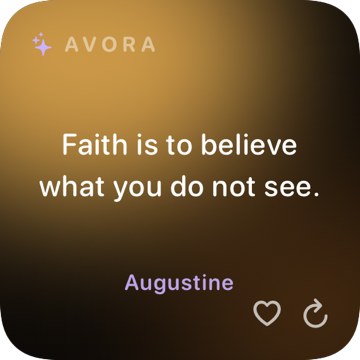
Beautiful Lock Screen and Home Screen widgets with verses, prayers, quotes and affirmations. They refresh every few hours, even offline. Save a verse or skip to the next one right from the widget.
First the Word, then the feed
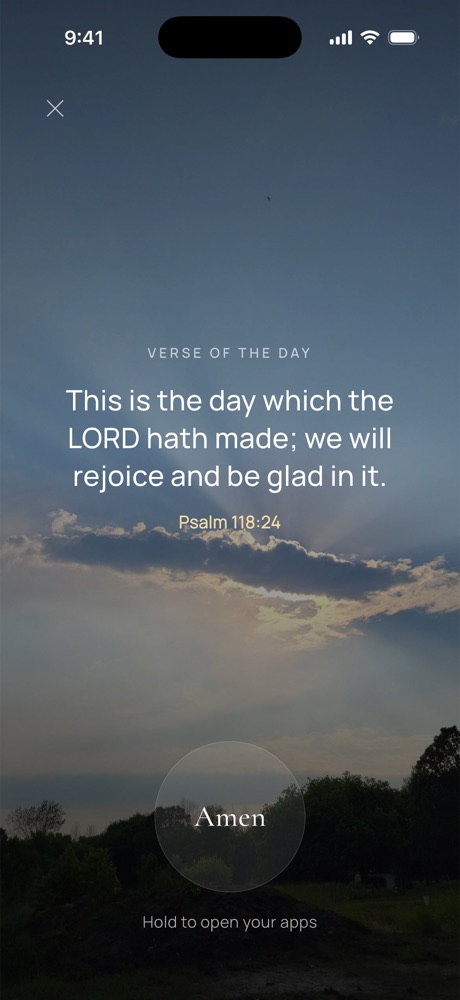
Choose the apps that pull you away. Each morning they stay closed until you read the verse of the day and hold “Amen”. A small ritual that gives your morning back to God.
A prayer for what's on your heart
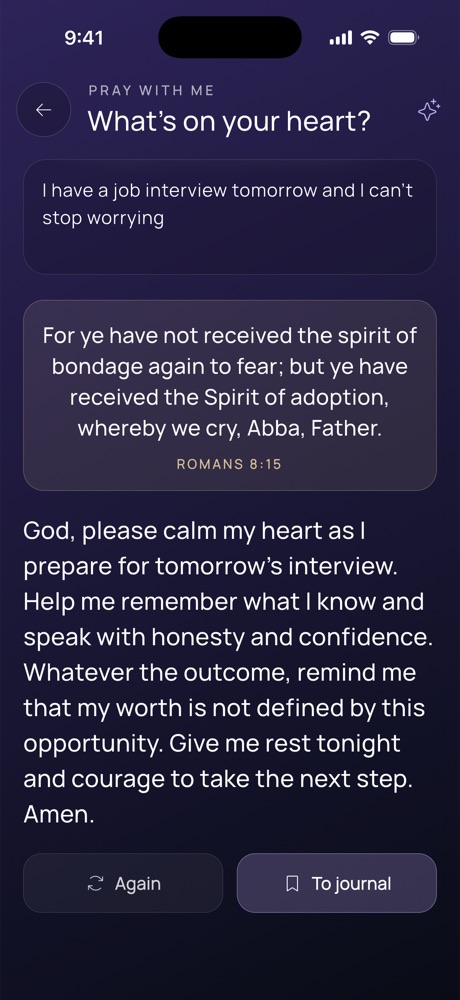
Describe what you're facing in your own words — a job interview, a sick friend, a worry at night — and receive a warm prayer with a fitting Bible verse. Save it to your journal and come back to it.
Everything for a habit that lasts
Prayer journal
Write your prayers down and mark how God answered. Looking back builds faith.
Plans & streaks
Reading plans from 7 to 30 days, a daily goal, streaks and a Bible quiz.
Church calendar
Feasts and seasons of the year, with a gentle daily verse reminder.
Beautiful and yours
200+ backgrounds, five fonts, light and dark themes and alternate app icons.
Your language
Nine Bible translations, including the King James Version, in eight app languages.
Share the Word
Turn any verse into a card or wallpaper and share it to Instagram Stories in one tap.
Private by design
Your prayers stay yours
Support
Questions & answers
How do I add the verse widget?
Lock Screen: touch and hold the Lock Screen, tap Customize, choose the Lock Screen, tap the widget area and pick Avora. Home Screen: touch and hold an empty spot, tap Edit → Add Widget, search for Avora and choose a size.
What is included in Avora Premium?
Every background and font, alternate app icons, extended AI prayers and explanations, all reading plans and Prayer Lock. The yearly plan comes with a free trial where offered. Prices for your country are shown in the app.
How do I cancel my subscription?
On iPhone open Settings → your name → Subscriptions → Avora and tap Cancel Subscription. Cancel at least 24 hours before the period ends to avoid the next charge; Premium stays active until the end of the period you paid for.
I reinstalled the app or have a new phone. How do I restore Premium?
Sign in with the same Apple ID, open the Premium screen in Avora and tap Restore. Your favorites and journal live only on your device, so they move with your iPhone backup, not with your subscription.
How do I turn Prayer Lock off?
Open Avora settings → Prayer Lock and switch it off, or remove the apps you selected. You can also revoke Screen Time access for Avora in iPhone Settings → Screen Time.
How do I get a refund?
Payments are processed by Apple, so refunds are requested from Apple at reportaproblem.apple.com.
Still need help? We usually reply within two days.
support@avorabible.app